









Northstar sync
Document Launch plan
Last week’s sync
Memory for your AI agents
Cosmic is one shared memory and set of skills that Claude, ChatGPT and your team’s other AI apps read and use.
Private beta
Project


Desktop direction agreed
From your last meeting
Mobile layout updated
Maya shared a new version
Final sign-off still open
One decision to confirmHow it works
Cosmic builds a memory from your work. Share pages and skills with your team, and everyone’s AI apps can use them.
Link Gmail, Google Calendar, Granola, Notion, Google Drive and your AI apps. Your files stay where they are.
New emails, notes and chats are organised into pages on people and projects, tracking decisions and open work.
Claude, ChatGPT, Claude Code and Codex read the same memory and save what they learn for the next AI app.
What you can do
Ask the AI apps you already use. They answer with what you and your team know.
Last week’s sync
You agreed on the homepage direction.
Maya shared a revised mobile layout.
Who signs off the mobile design?
You → Maya
“I’ll send the revised deck by Friday.”
For teams
When one person organises a project or writes a good instruction, they can share it. Then everyone’s AI apps work with the same context and the same skills.
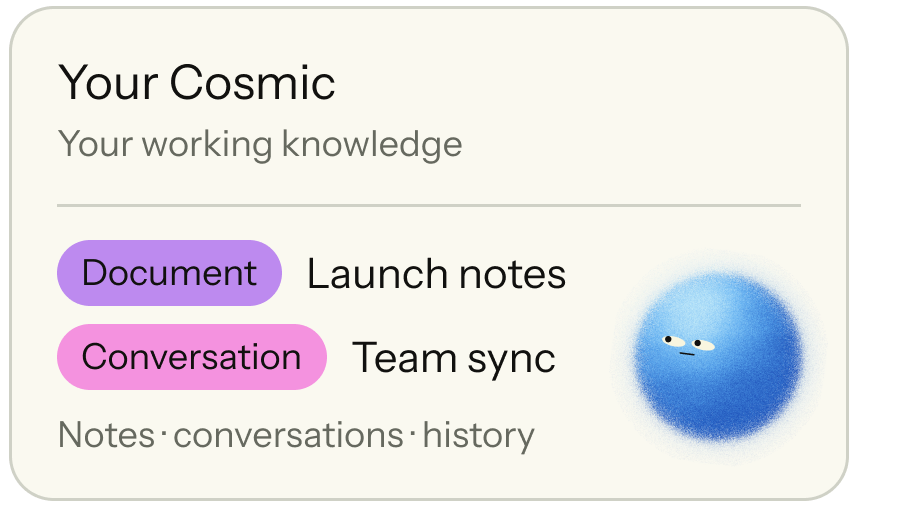
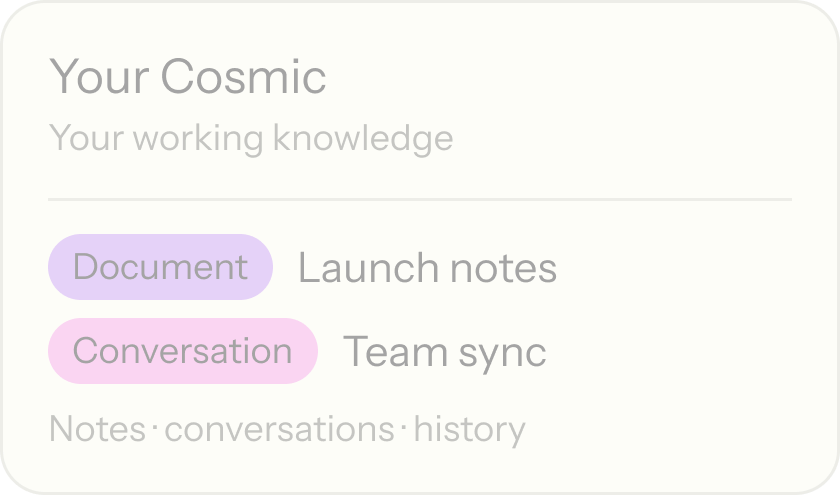
Your private memory for your connected apps and AI apps. Nothing is shared until you choose to.
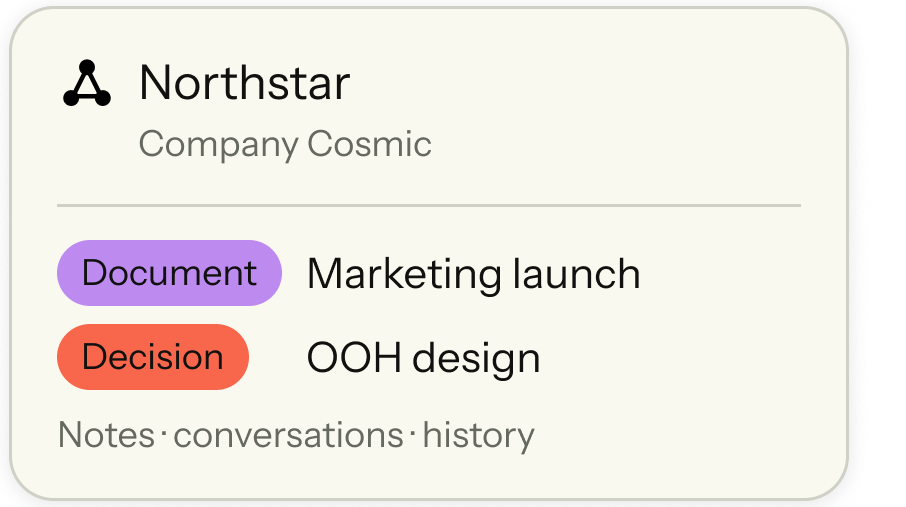
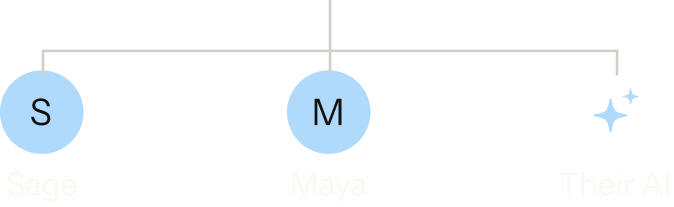
Share pages on projects and people so colleagues and their AI apps have the same context yours does.
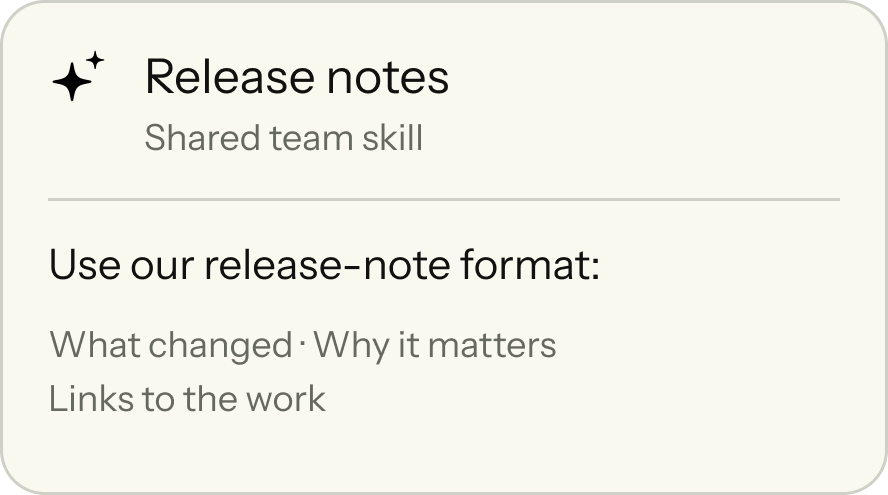
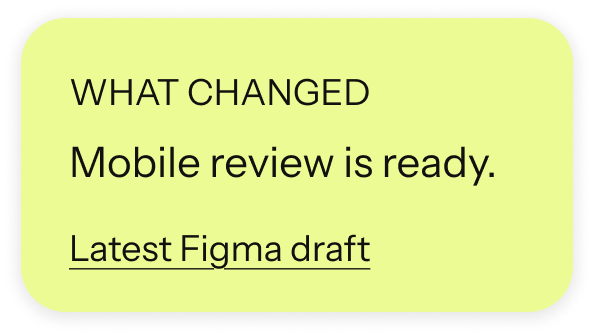
Share a Claude Code or Codex skill, and everyone’s AI apps write release notes your team’s way.
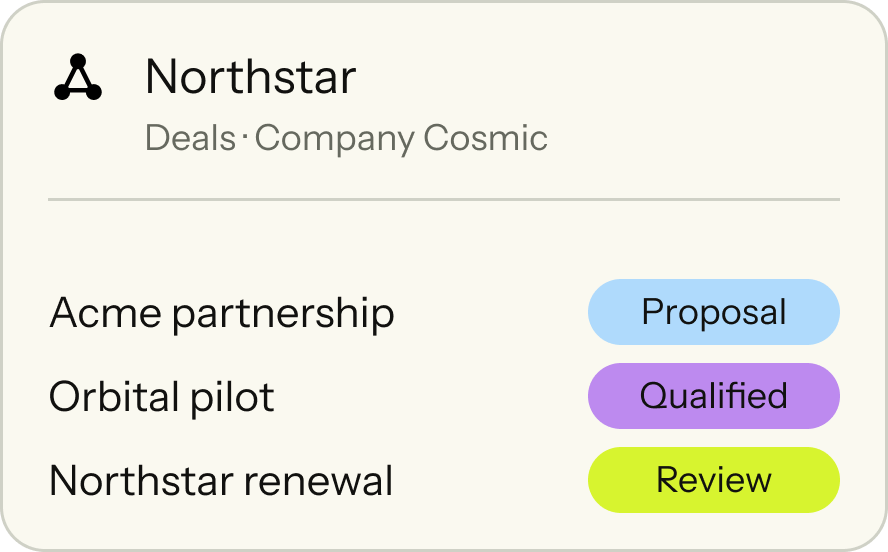
 PagesStatus
Keep deals as shared pages for everyone’s AI apps. People confirm every change.
Inside Cosmic
Open Cosmic to see recent activity, work needing attention and the pages behind any answer. If it remembered something wrong, edit or delete it.

Desktop agreed; mobile next
Design lead for Northstar
Pilot planned for Friday

No pages match this view.
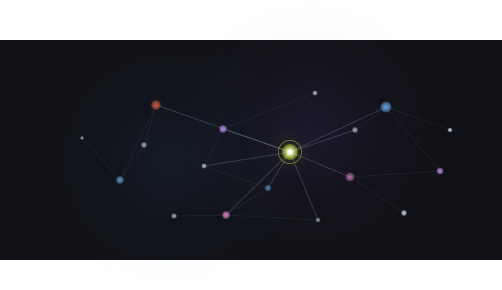
Last 24 hours
4 meetings, 5 people, 1 deal, 2 companies,
6 pages you wrote.
Connect your sources and choose an app
to start working with Cosmic.
 Connect a source
Recent decisions and work for the Northstar launch.
Your data
You control which apps and AI apps connect to your Cosmic, and which pages and skills go into the company’s Cosmic. Disconnect any app at any time.
Choose which work apps Cosmic reads.
Choose which AI apps can read and add to your memory.
Choose which pages and skills the rest of the team can use.
Questions
Cosmic saves information from the apps and AI conversations you connect, and links it to the people and projects involved. That includes decisions, past discussions and commitments still to follow up.
They share one memory. Every AI app you connect reads from and adds to the same Cosmic, so what one learns is there for the next.
No. Your files stay where they are. Cosmic reads the apps you connect, such as Gmail, Google Drive and Notion, and keeps up as new work arrives.
Claude, ChatGPT and Grok connect through their connector settings. Claude Code, Codex, Cursor, Gemini CLI and Windsurf connect with one setup line.
ChatGPT memory and Claude memory each remember chats inside their own app. Cosmic is one memory for all your AI apps, built from your email, meetings and documents too.
Yes. Your AI apps connect to Cosmic over MCP (Model Context Protocol), so they can search it, read its pages and save what they learn.
A project holds files and instructions for chats in one app. Cosmic keeps itself up to date from your work apps, and every AI app you connect reads it.
You, and the AI apps you connect. Your company’s Cosmic holds only the pages and skills you choose to share.
Yes. Your company’s Cosmic is a shared knowledge base for your team and their AI apps. Each person keeps their own Cosmic and chooses what to share.